2026
Wander-newtab
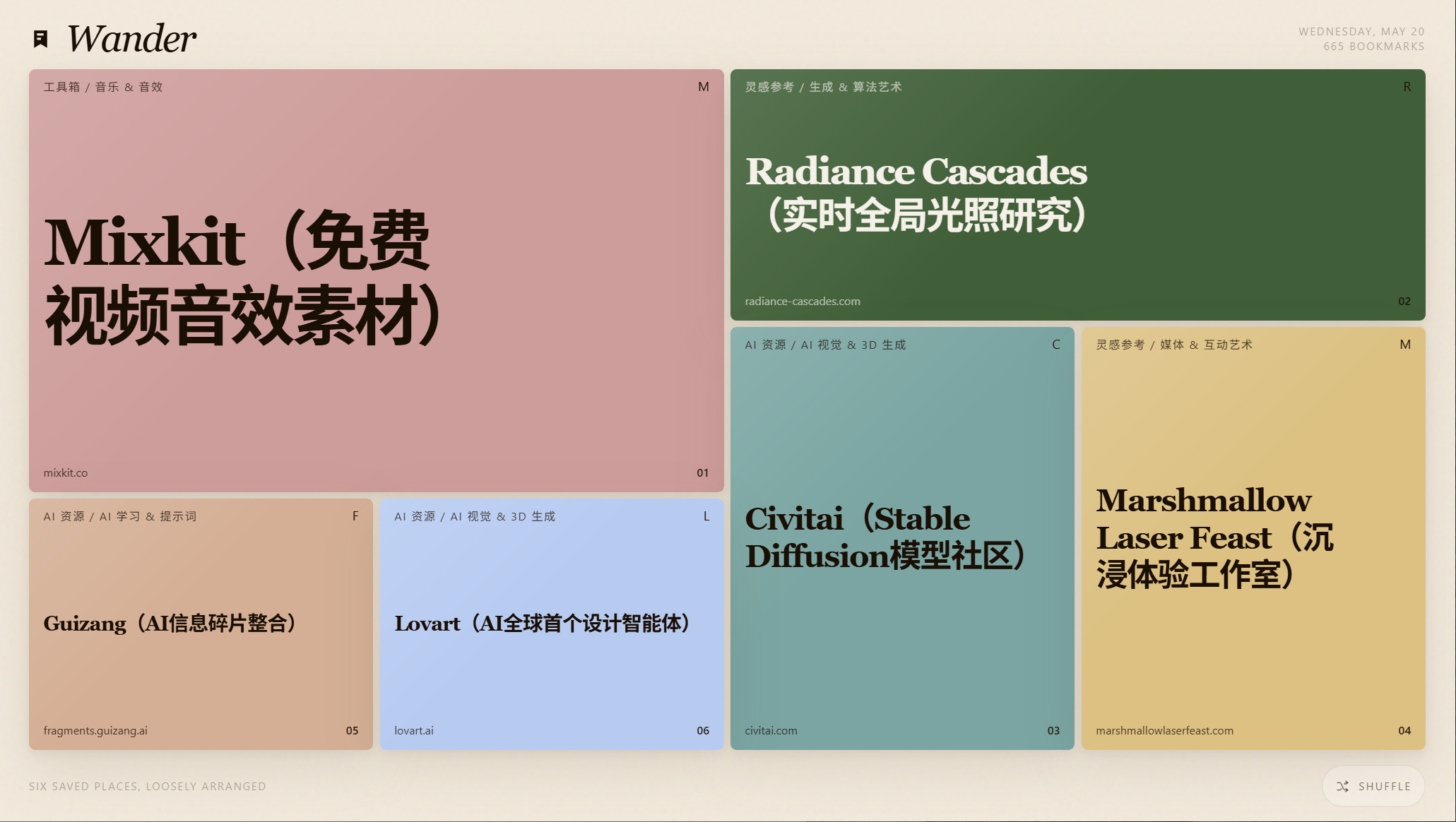
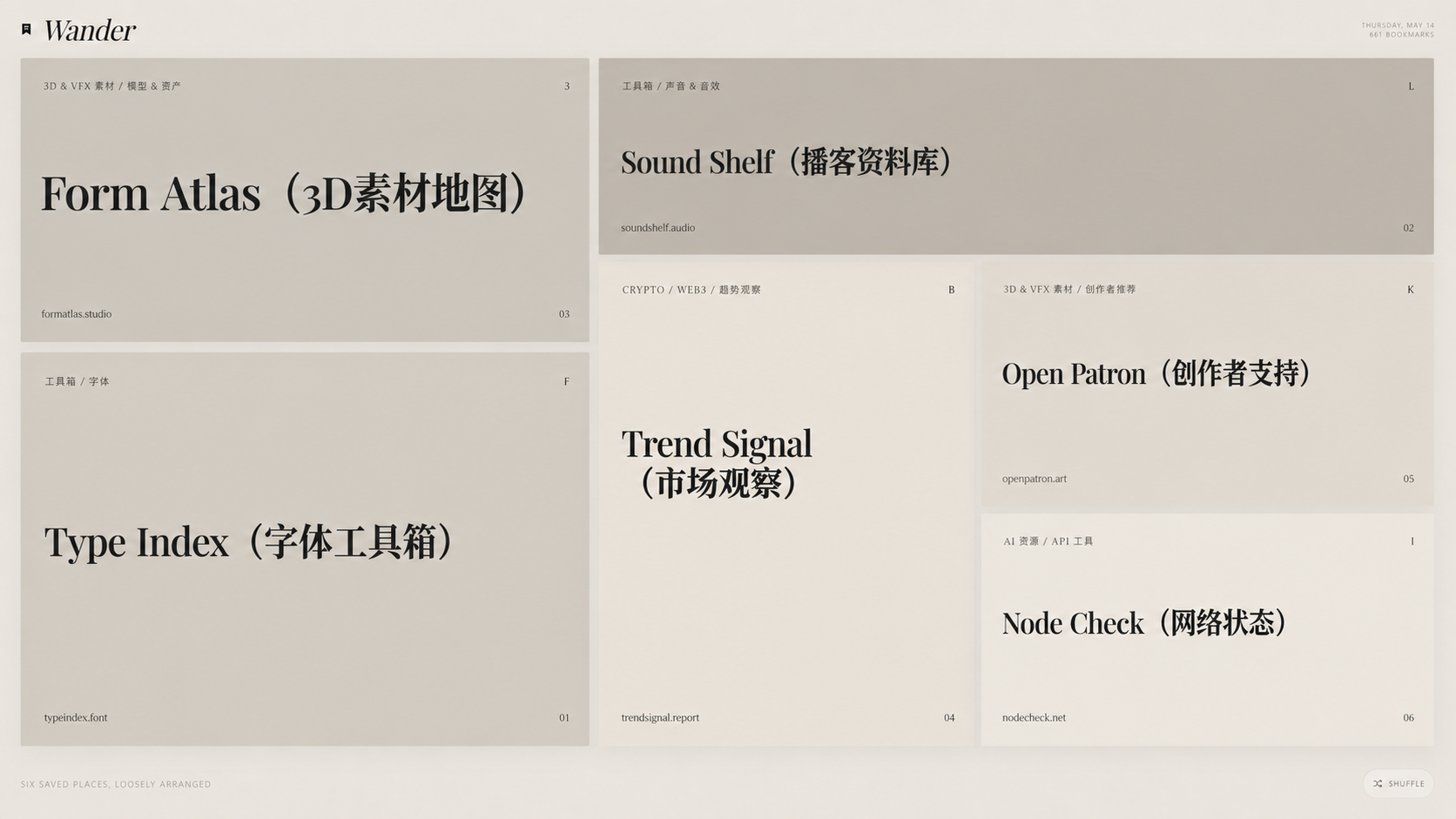
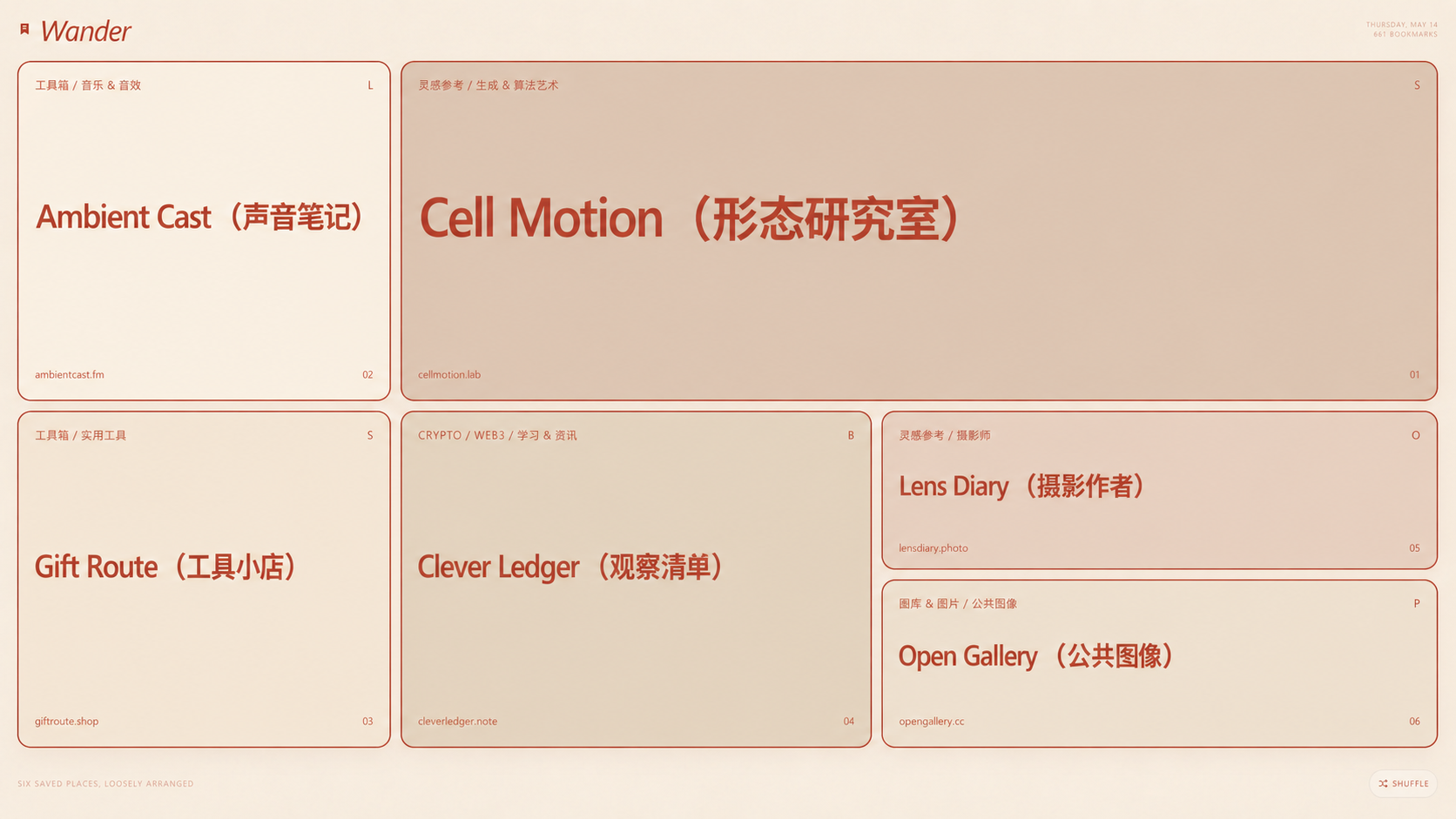
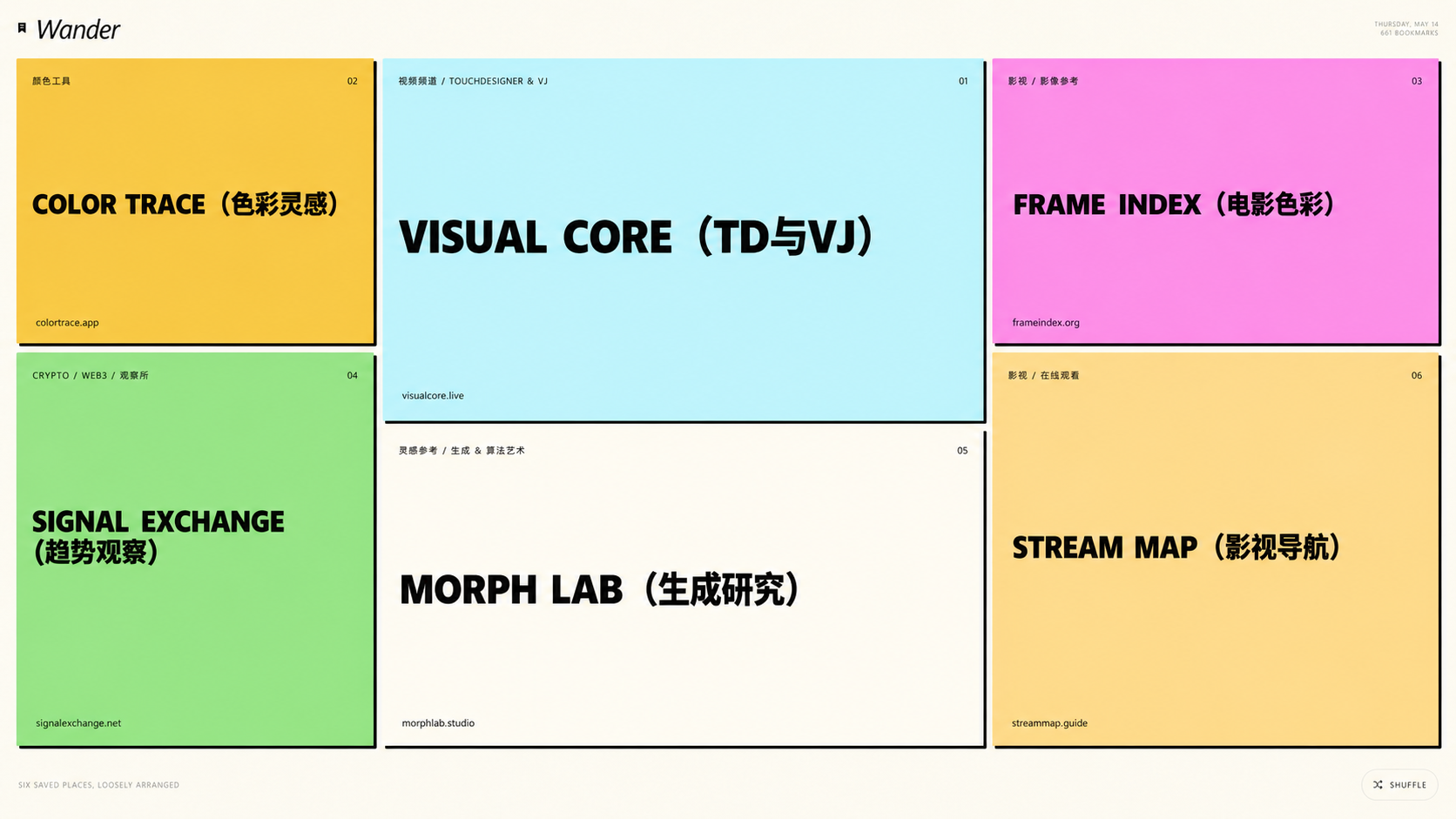
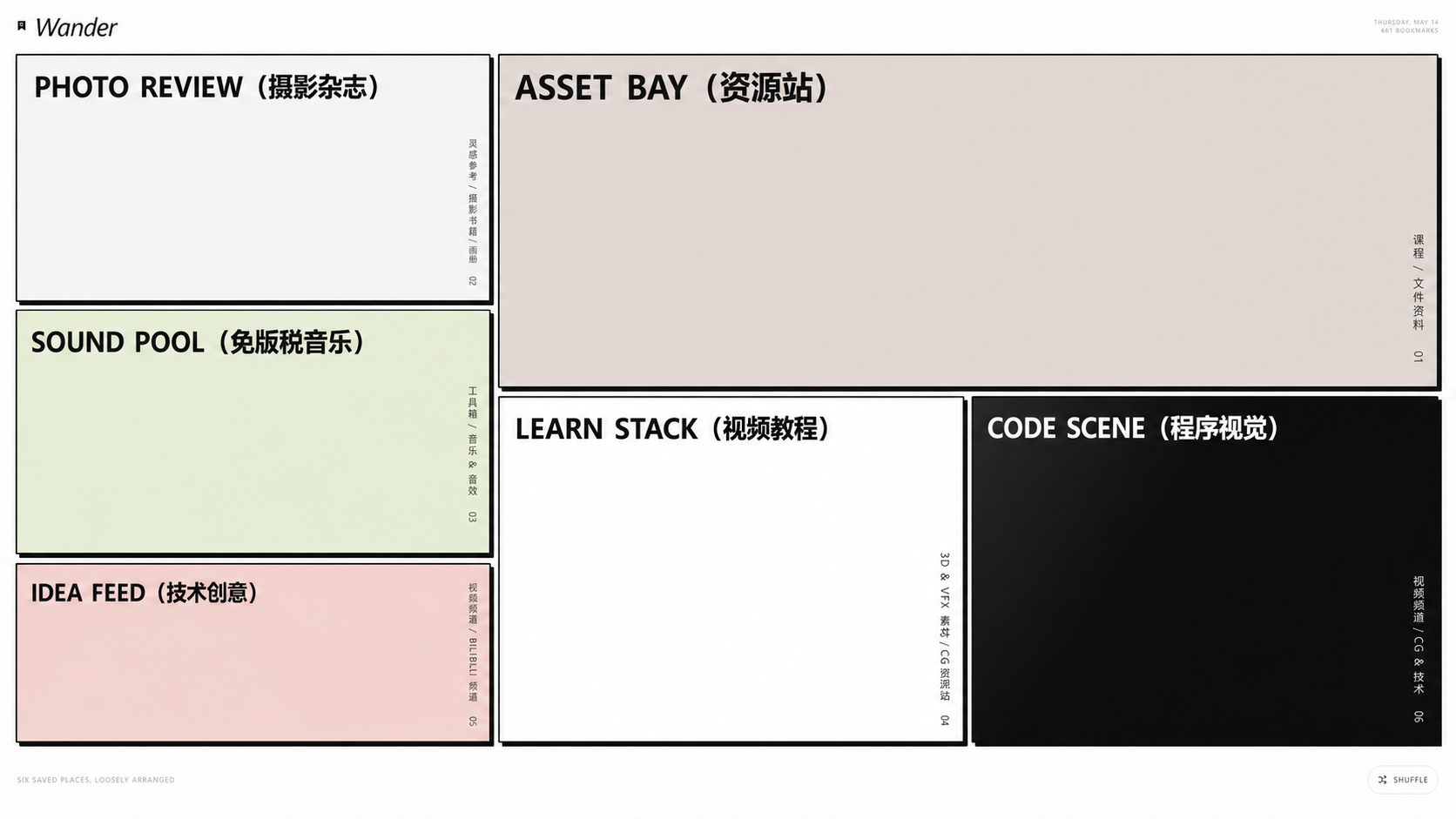
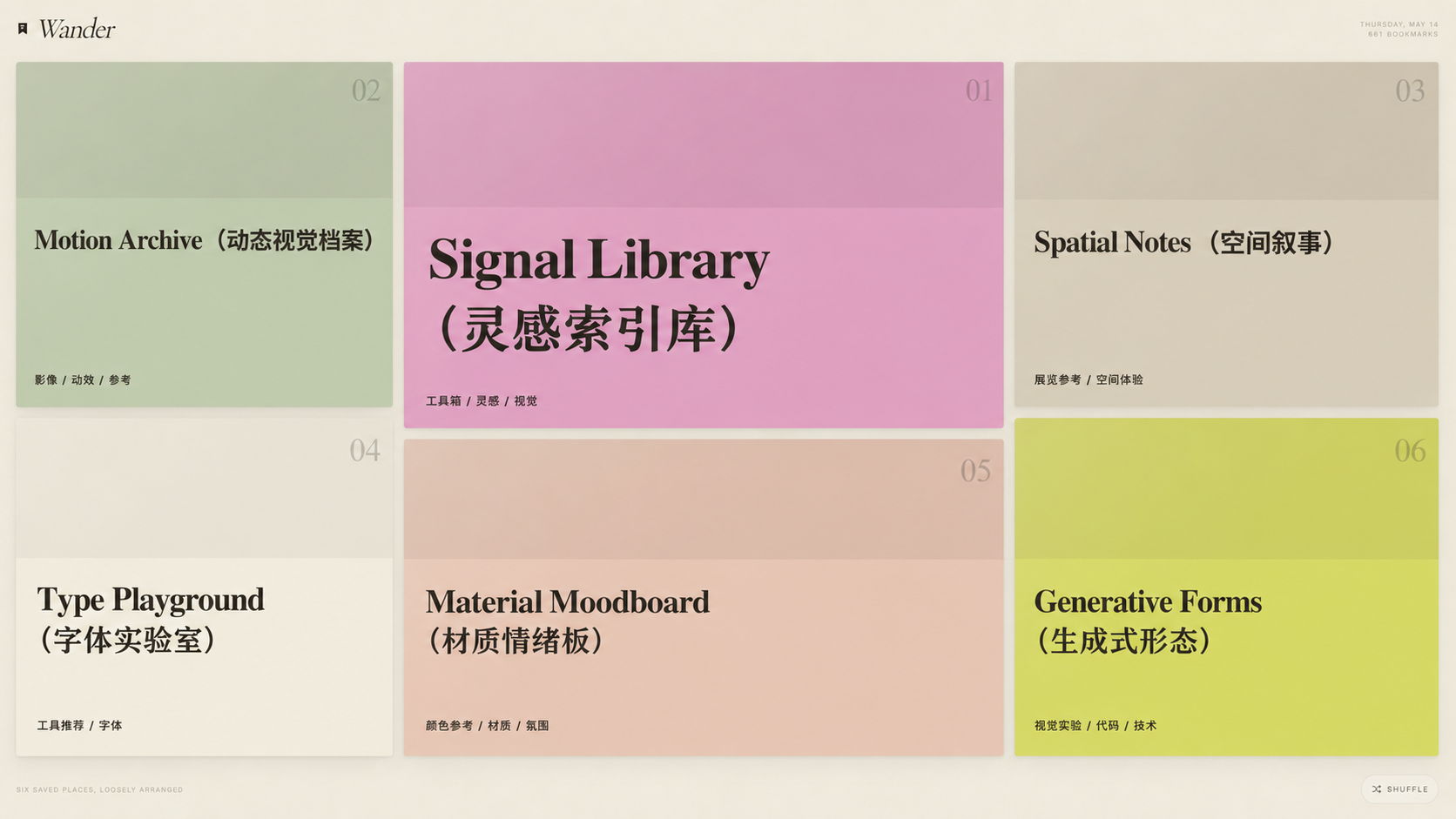
A high-fidelity, multi-theme Chrome New Tab extension. Version 2.0 features 26 visual themes, 12 geometric layouts, and 11 card types with multi-stage physical shuffle animations, resurfacing forgotten bookmarks as a quiet editorial spread.


What it solves
Bookmarks often disappear after being saved. Wander-newtab turns the new tab into a lightweight rediscovery surface, bringing old references and saved links back into daily browsing.
How it works
The extension overrides Chrome New Tab and reads local Chrome bookmarks. On each load, it uses a strict geometric layout algorithm to arrange 6 cards from 12 grid options. Pressing Shuffle triggers a multi-stage physical animation (Cut, Deal, Settle) and transitions into a new typography and visual style based on one of the 26 available themes.
Privacy boundary
The current version has no remote service and no third-party dependency. It only requests Chrome bookmark permission, does not upload bookmark data, does not fetch page descriptions, and does not record browsing history.
Installation
Download the ZIP, unzip it, open chrome://extensions/, enable Developer mode, choose Load unpacked, and select the unzipped folder. A regular ZIP cannot be installed directly as a Chrome extension.